Application Update on Linux
On any Linux distribution:
- the user must have administrator rights to install AmneziaVPN;
- do not disable the IPv6 subsystem — the connection button in AmneziaVPN may stop working if you use the command
sudo sysctl -w net.ipv6.conf.all.disable_ipv6=1; - use the latest version of AmneziaVPN.
Latest stable AmneziaVPN release: github.com/amnezia-vpn/amnezia-client/releases/latest.
All available AmneziaVPN versions: github.com/amnezia-vpn/amnezia-client/releases.
During the update, the previous version of AmneziaVPN will be uninstalled from your system. This process will not delete the connections created in the app or reset the app settings, including split tunneling settings.
To keep your connections and app settings safe, you can create a backup at any time: Backup and Restore.
Updating from the app
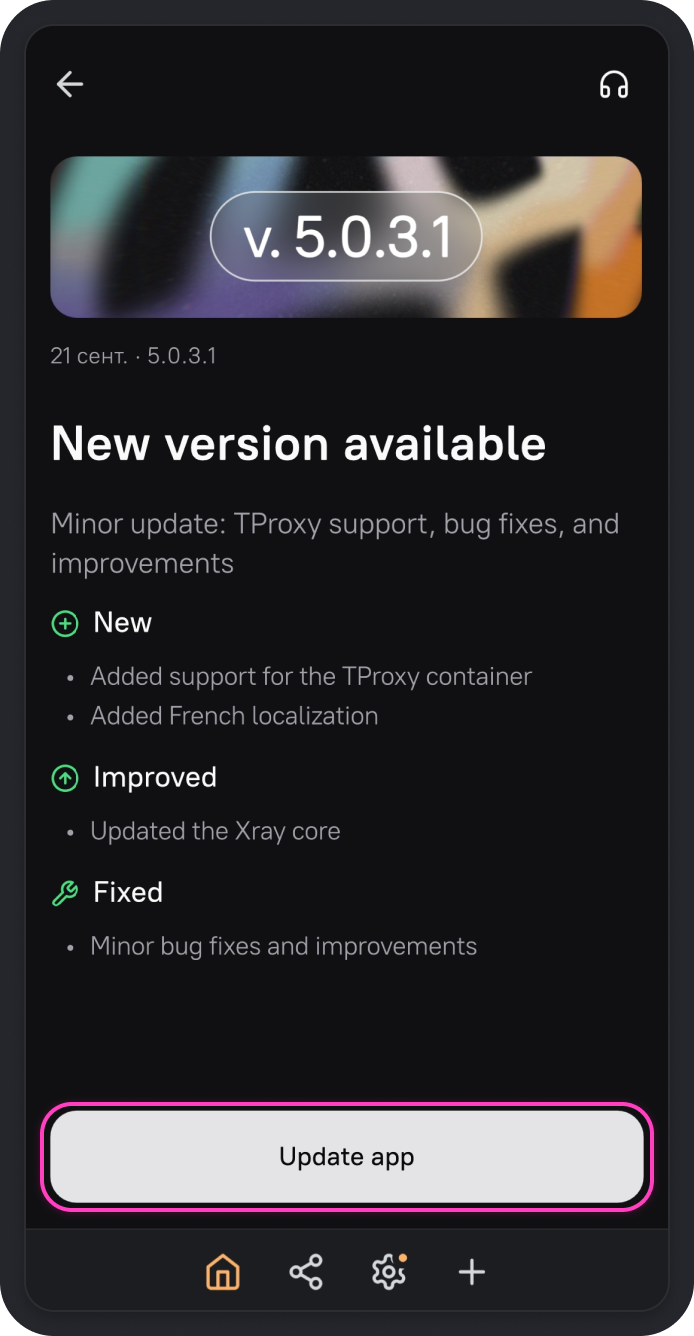
The latest versions of AmneziaVPN display a screen prompting you to update the app.
-
On the screen with the new version details, click Update app.
-
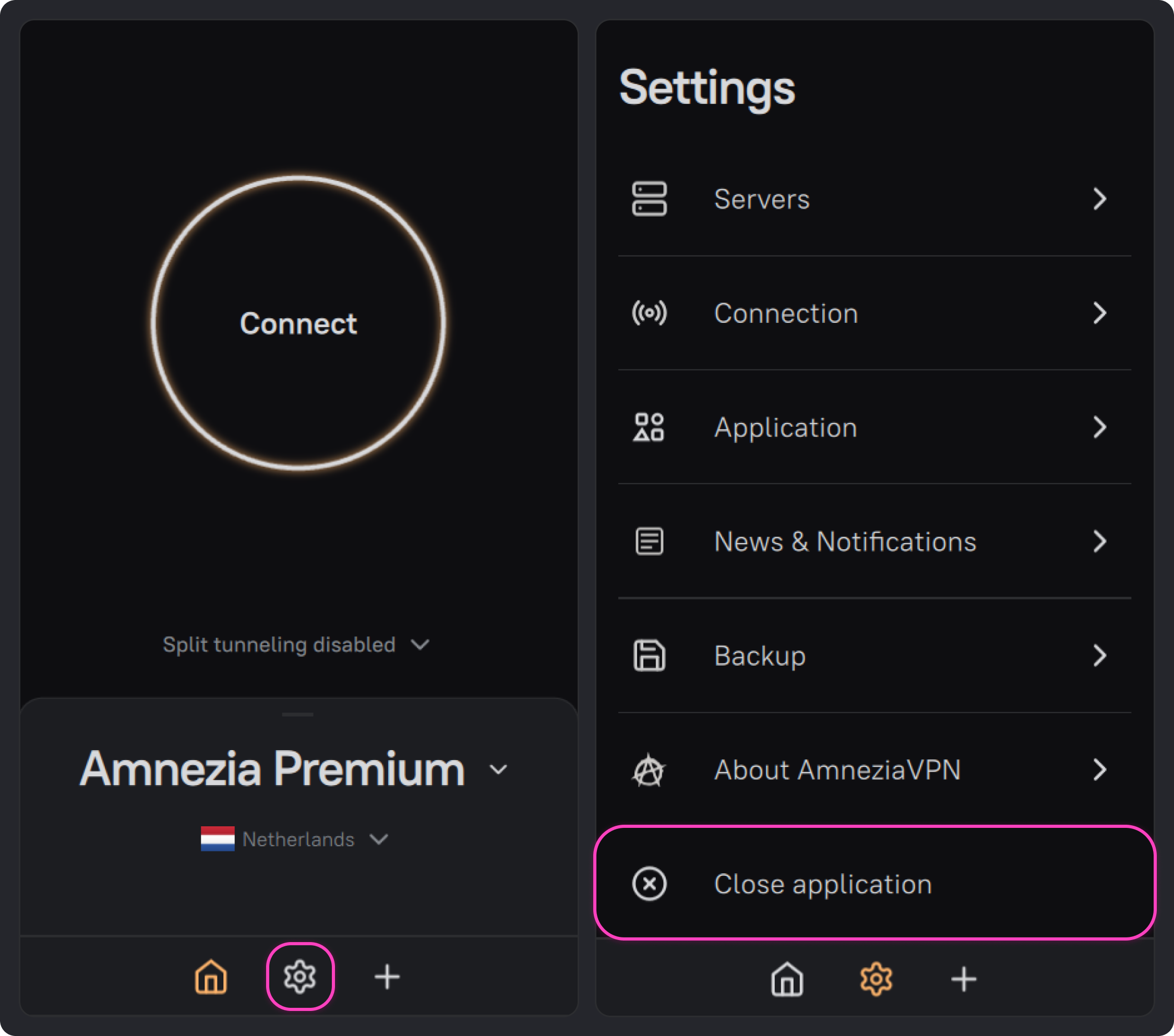
The update will begin and the AmneziaVPN is active window will open. To continue, quit AmneziaVPN completely: open the app settings using ⚙️ (gear icon) on the bottom panel and click Close application.
-
Return to the AmneziaVPN is active window and click Retry.
-
Continue with the steps in Uninstalling and updating the app.
If you see Download failed download manually from amnezia.org, quit AmneziaVPN completely, reopen it, and click Update app again. If the error persists, update the app manually using the instructions below.
How to prepare for the update
- Open AmneziaVPN and click ⚙️ (gear icon) on the bottom panel.
- Go to About AmneziaVPN.
- At the bottom of the screen, you will see the current app version. Note it down and click Check for updates.
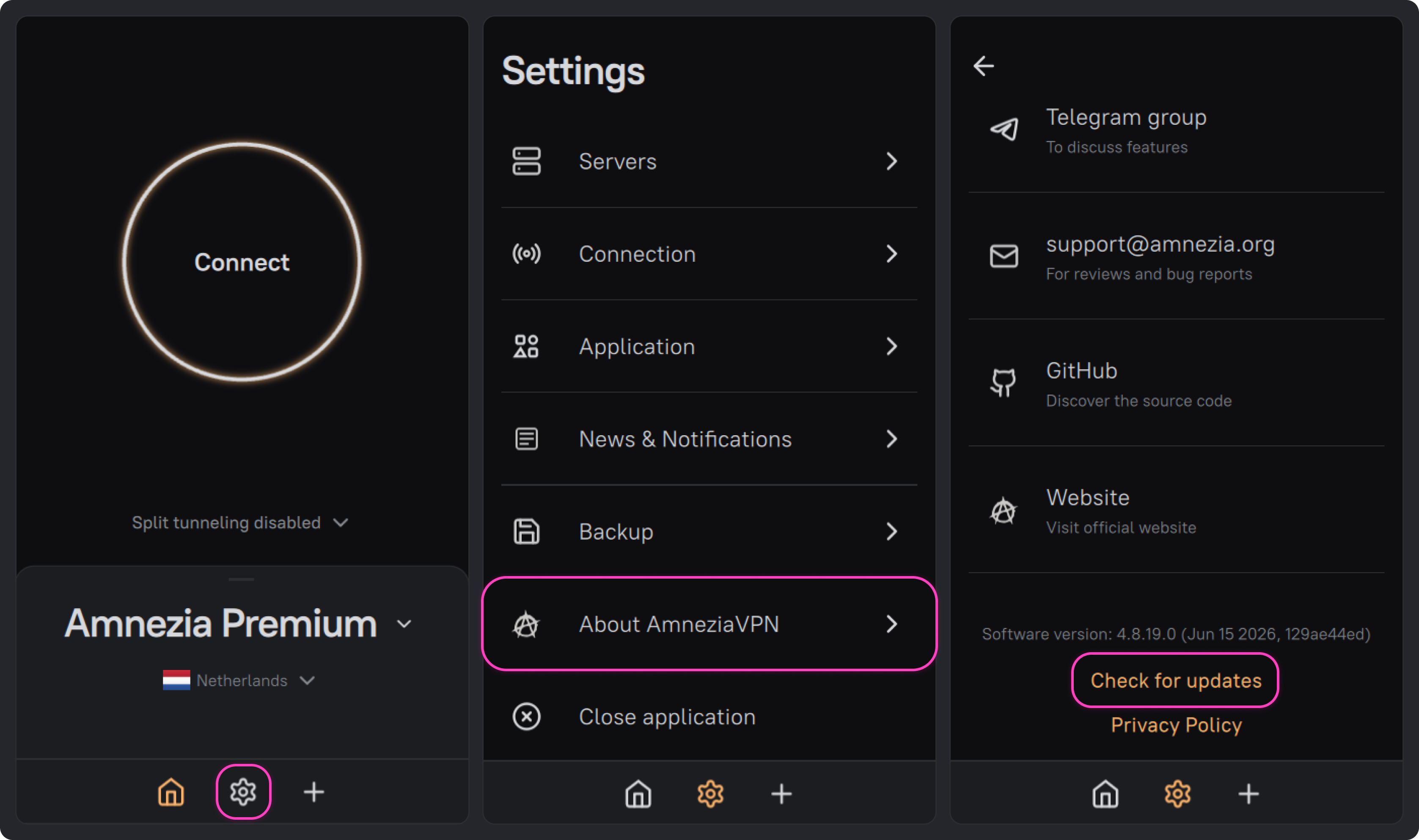
After that, the latest stable AmneziaVPN release page will open in your browser: github.com/amnezia-vpn/amnezia-client/releases/latest.
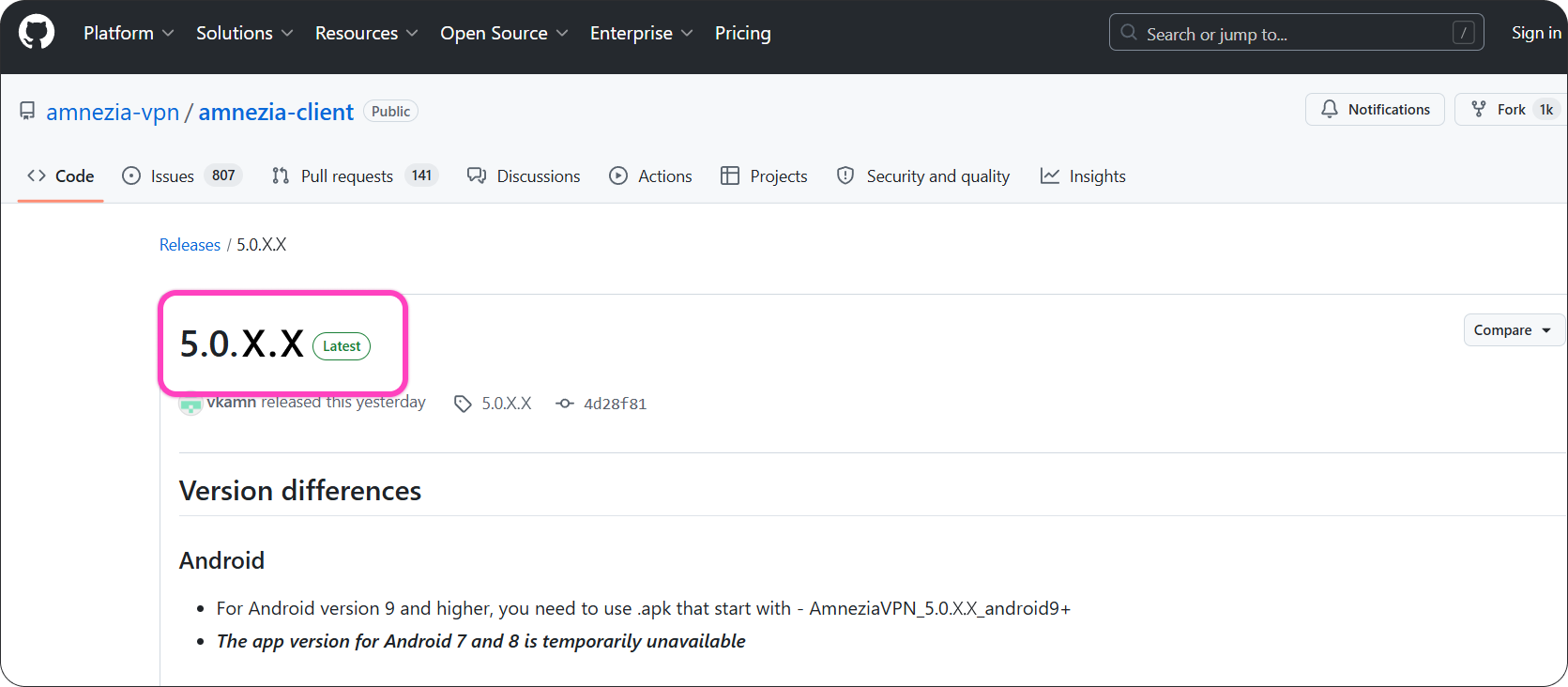
On the GitHub releases page, find the latest stable AmneziaVPN release marked with the green Latest badge. Compare its version number with the app version installed on your device. If your installed version is older, download and install the update.
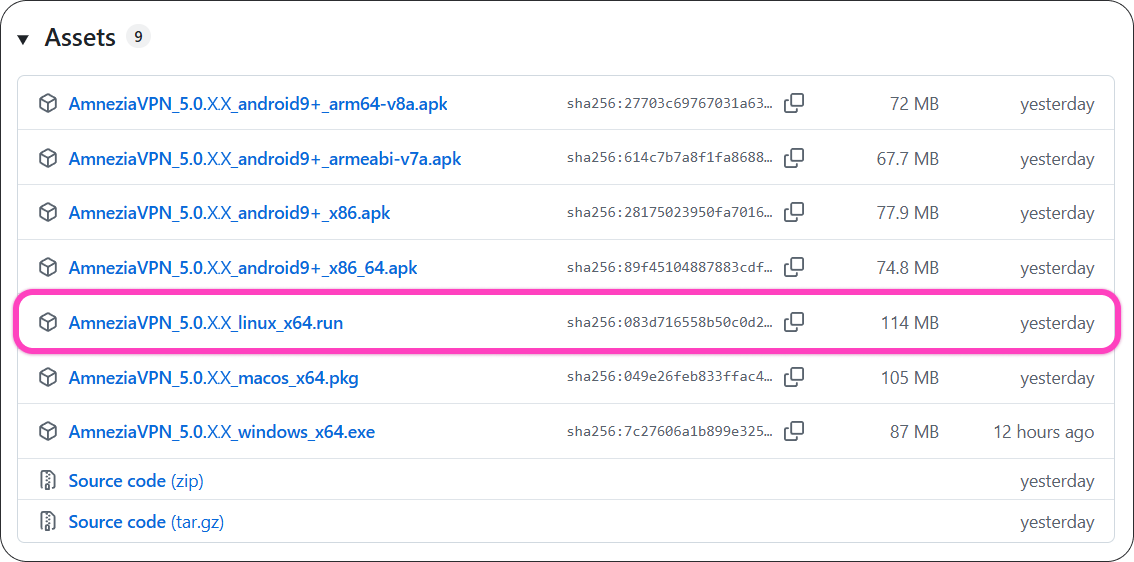
- Find
.linux_x64.runin the release files list and download it.
- Go back to the AmneziaVPN app, open settings, and click Close application.
Uninstalling and updating the app
Ways to run the .run file are described in Installing AmneziaVPN on Linux.
- If the installer is not already open, run the downloaded
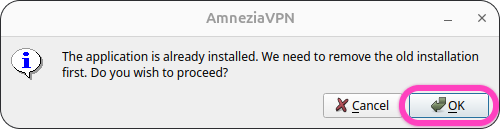
.runfile as an executable. In the pop-up window, click OK to start uninstalling the installed version of AmneziaVPN.
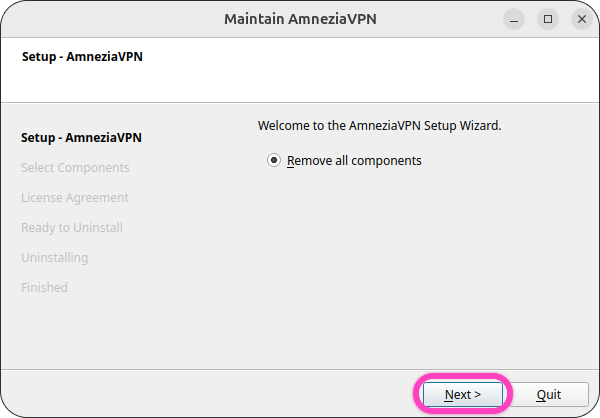
- Click Next.
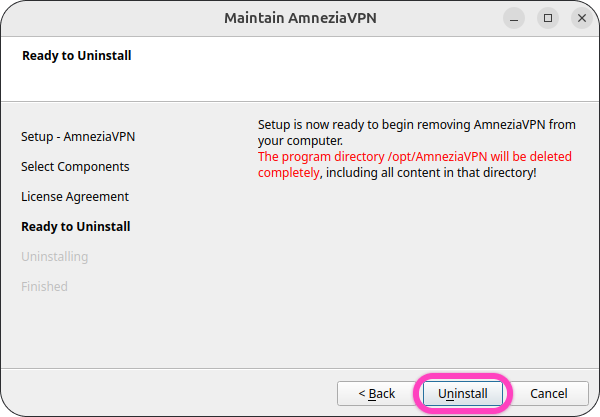
- Click Uninstall.
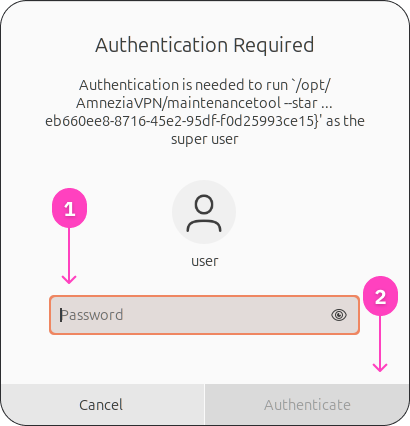
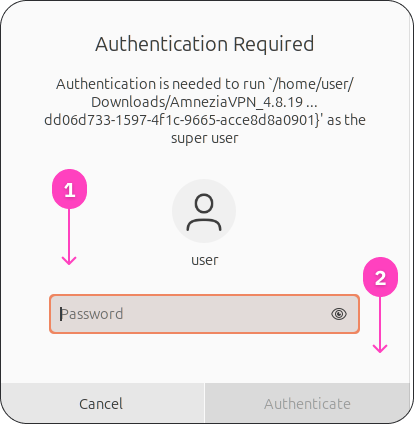
- Enter the Linux administrator password and click Authenticate to allow AmneziaVPN to be uninstalled.
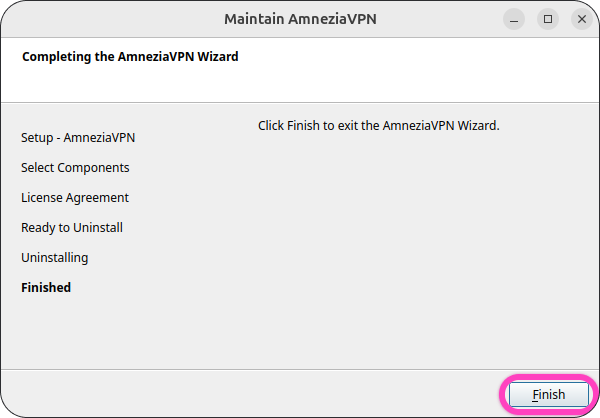
- When the uninstall process is complete, click Finish to close the program. After that, the installer for the new version will open automatically.
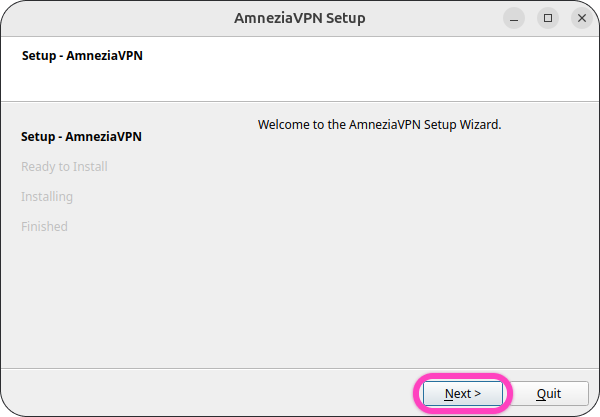
- In the installer window, click Next.
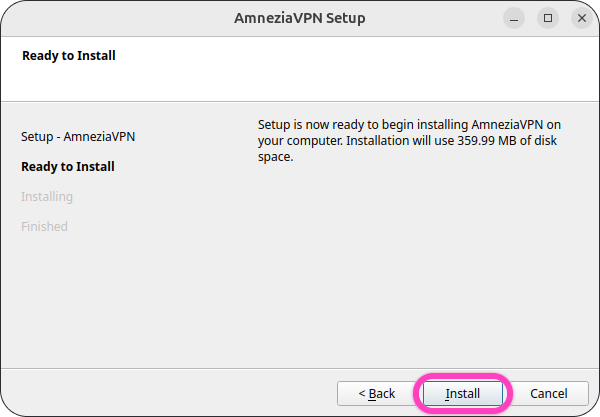
- Click Install.
- Enter the Linux administrator password and click Authenticate to allow the new version of AmneziaVPN to be installed.
When the installation is complete, the AmneziaVPN app will open automatically. We recommend restarting your device after installing the update. After that, you can connect.
Distribution-specific packages and launch issues
If AmneziaVPN does not start after the update, or if the installer reports missing components, check the system packages and launch details for your distribution in the full app installation guide: Installing AmneziaVPN on Linux.