Application Update on iOS
Updating from the app
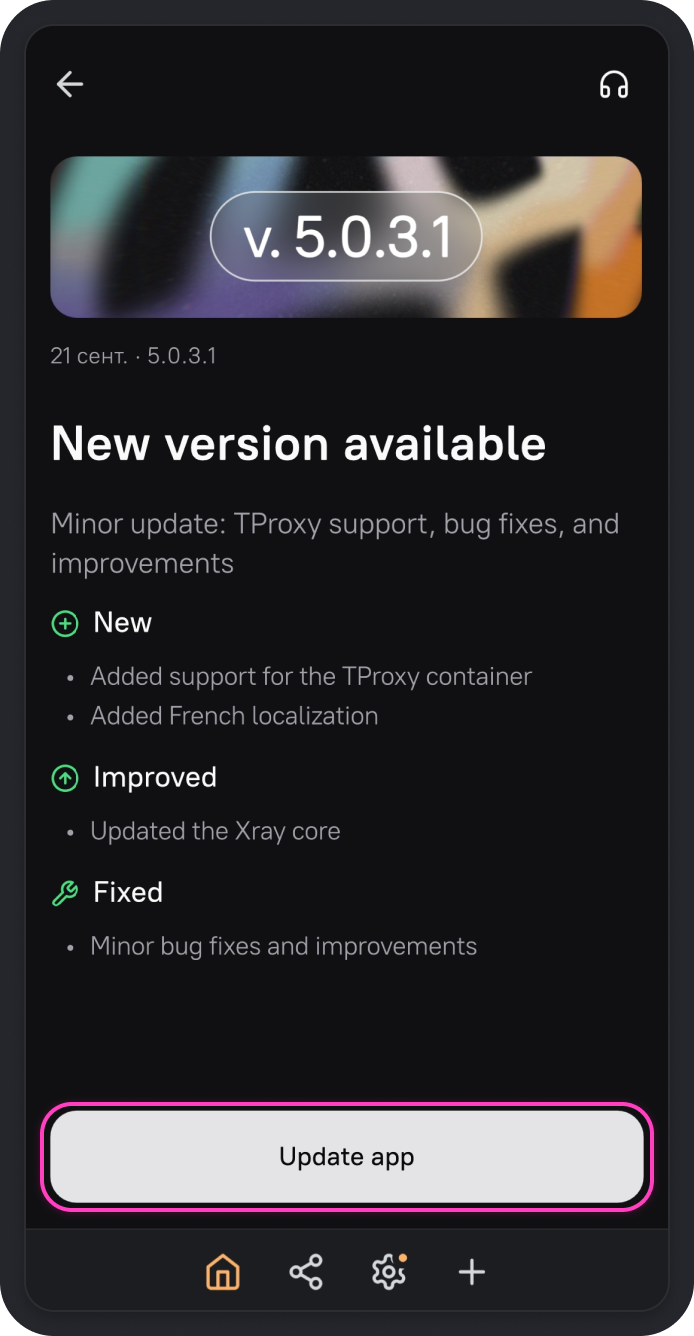
The latest versions of AmneziaVPN display a screen prompting you to update the app.
-
On the screen with the new version details, tap Update app.
-
The AmneziaVPN page on the App Store will open. Tap Update in the store and wait for the update to finish.
Automatic updates via the App Store
The AmneziaVPN app updates automatically via the App Store if automatic updates are enabled for AmneziaVPN.
For automatic updates to work, your current App Store region must match the region where the app was installed. If the app was downloaded from one App Store region, it may not update after you switch to another region.