Android Rejects Requests to Add a VPN Profile
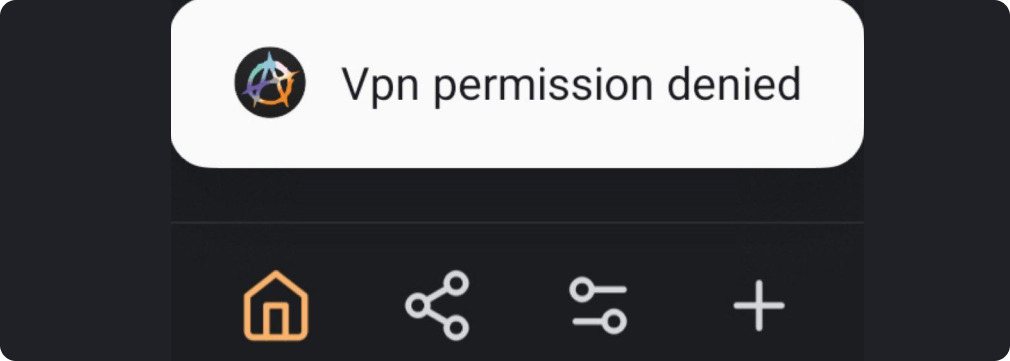
If there are other VPN apps installed on the device in addition to Amnezia, the issue might arise due to enabled additional options on Android. In this case, requests to add other profiles are rejected by default, and Amnezia displays the following error:
Solution
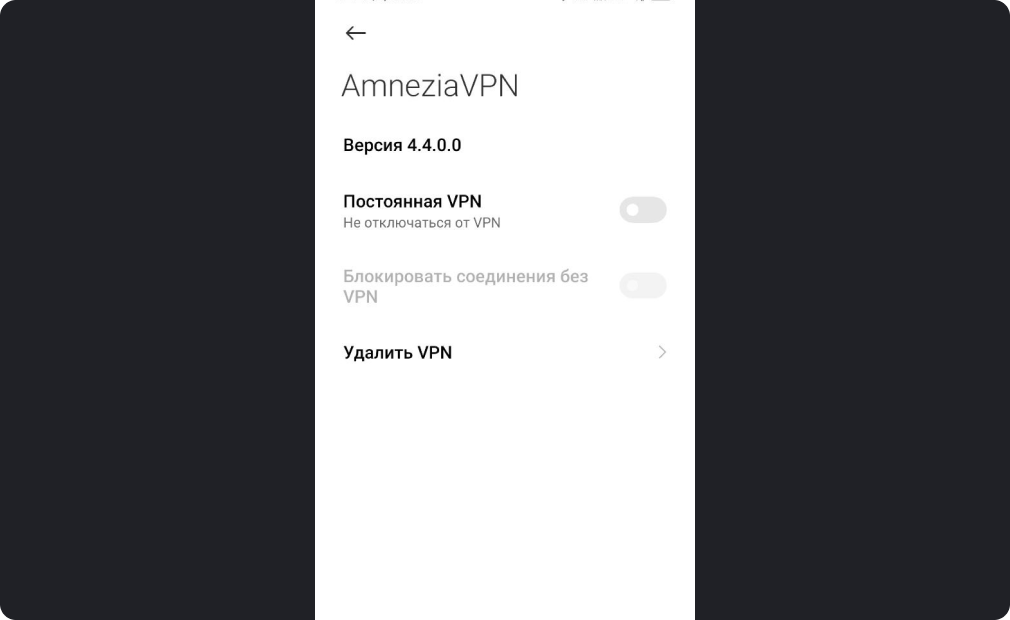
In the system settings, locate "VPN," where the program profiles are listed.
Disable the additional options:
"Always-on VPN" and "Block all non-tunneled traffic" for all existing VPN profiles.